```php
Enjoy your personal playlists and media content across all your favorite devices with a fast, modern, and customizable media player.
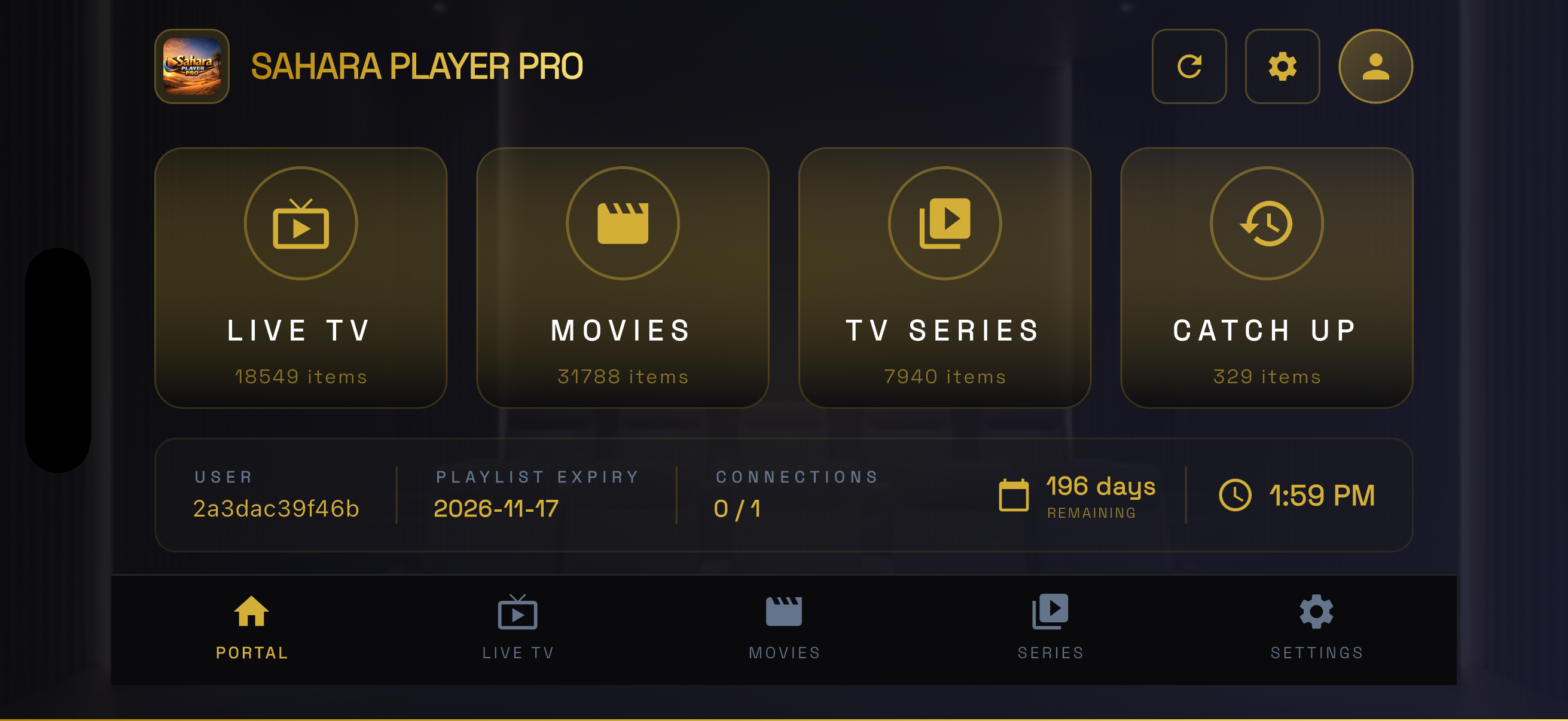
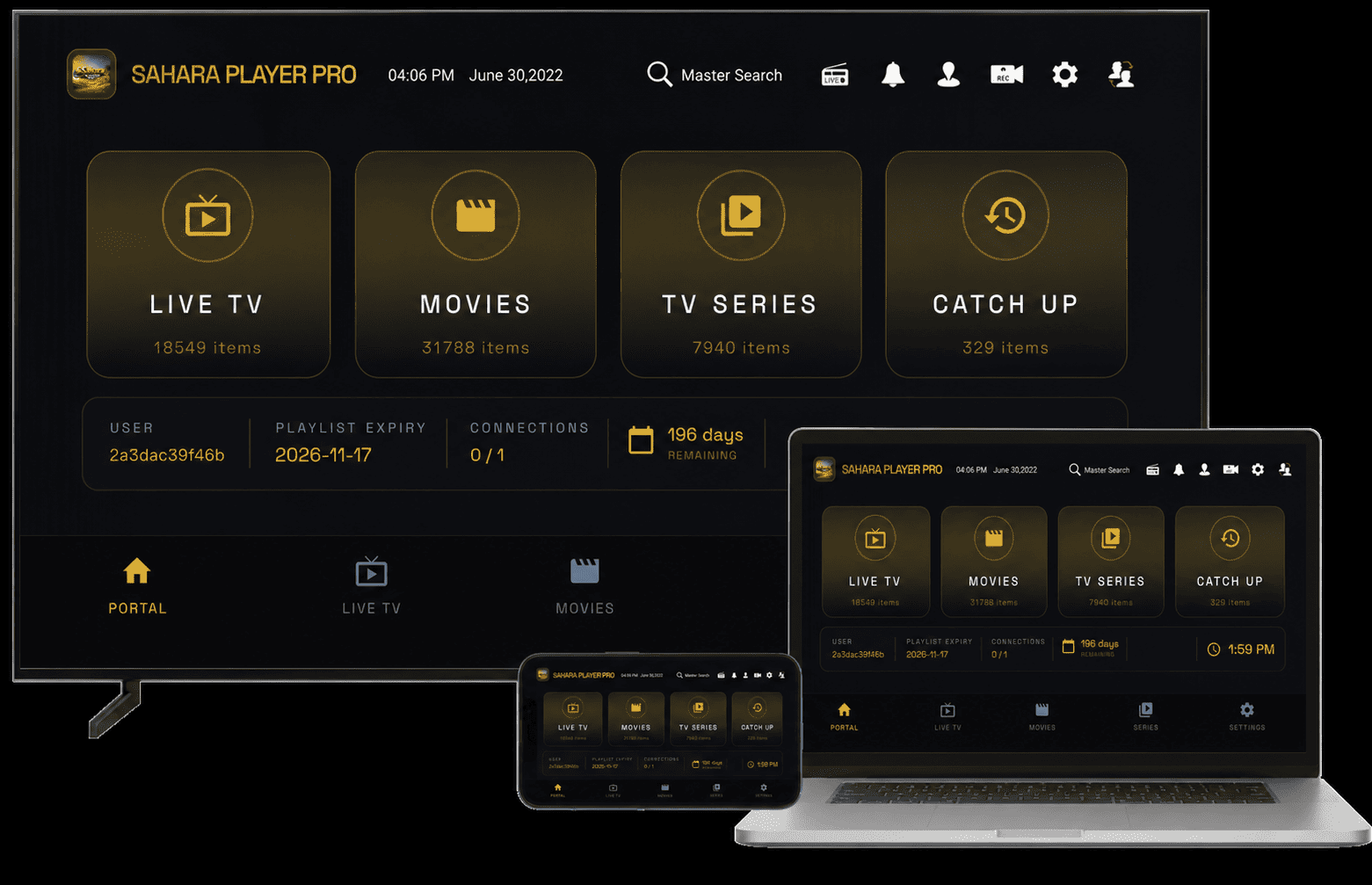
Media Player Service
Experience smooth playback, playlist organization, favorites management, and multi-device compatibility. Designed to help users enjoy their own media content across every screen they own.
Multi-Screen Support
From your living room TV to your smartphone — Sahara Player Pro works wherever you are.
Why Sahara Player Pro
Organize playlists, groups, favorites and categories with ease through a simple and intuitive interface.
Browse and manage media content provided through your personal playlists and content sources.
Full multilingual support with interface localization available across multiple languages worldwide.
Works on Android TV, Samsung, LG, Apple TV, Firestick, smartphones and tablets.
Resume playback, recent history, favorites and personalized viewing options.
Advanced parental control features help create a safer viewing experience for the entire family.
Get Started Today
Activate your device and start managing your personal playlists with Sahara Player Pro.
Important Notice
Sahara Player Pro is a media player application only. The application does not provide television channels, movies, series, radio stations, or any media content. Users are responsible for supplying and managing their own playlists and content sources.
Help Center
Sahara Player Pro is a media player application that allows users to access and organize content from their own playlists and media sources. The application does not provide or distribute any content.
Sahara Player Pro supports Android TV, Google TV, Samsung Smart TV (Tizen), LG Smart TV (webOS), Apple TV, Amazon Firestick, Roku devices, iPhone, iPad and Android devices.
Open Sahara Player Pro on your device and note the MAC Address and Device Key shown on the activation screen. Then visit the activation page, enter your information, and complete activation.
After activation, users can manage playlists through the playlist management portal by entering their playlist URL or account credentials supplied by their chosen content provider.
New devices may receive a limited evaluation period depending on the activation policy available at the time of registration.
You can contact our support team through the Contact page, Support page, or by email at dev@saharaplayer.com.